Select Category
TV and Audio-TV
Sort by
filter
current
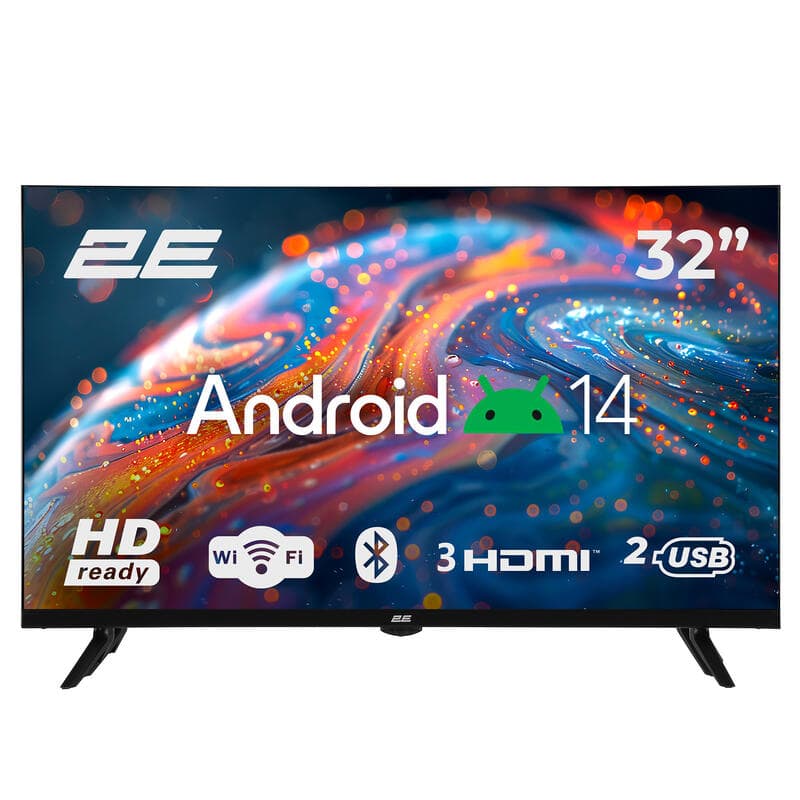

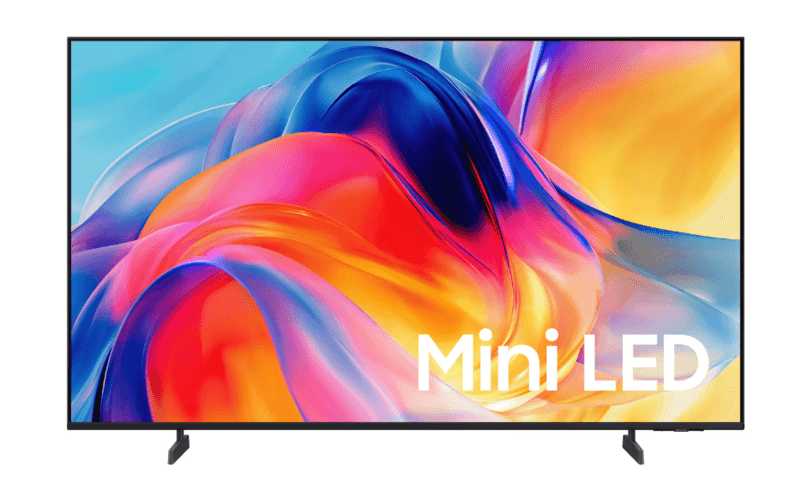
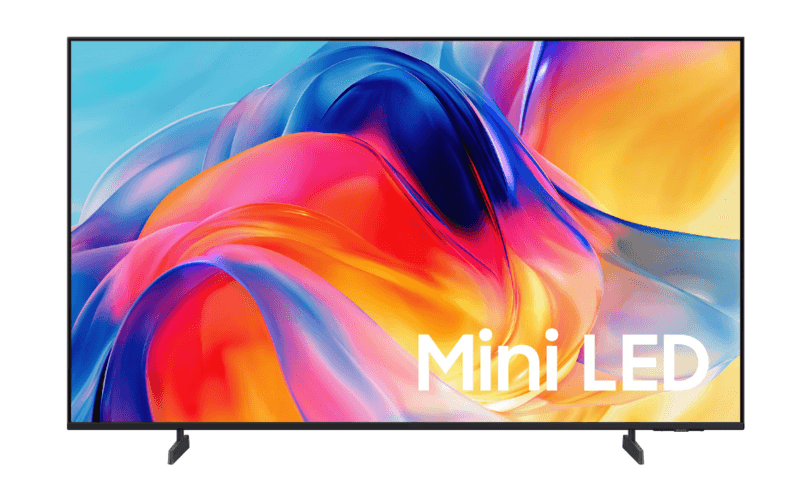
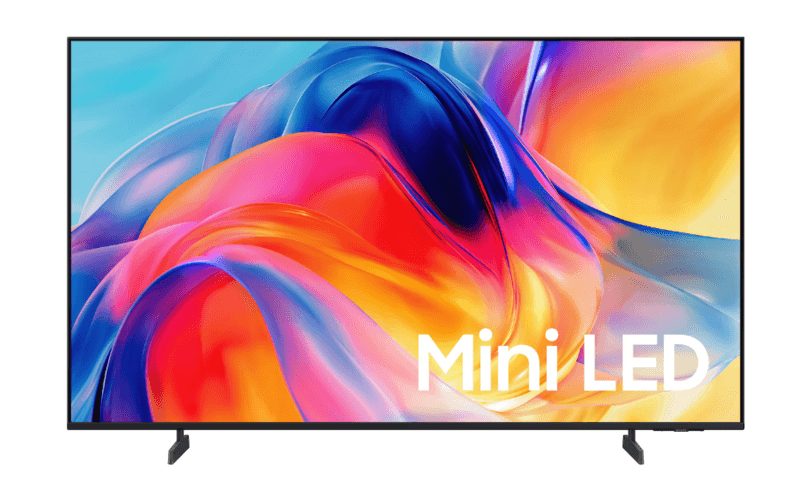
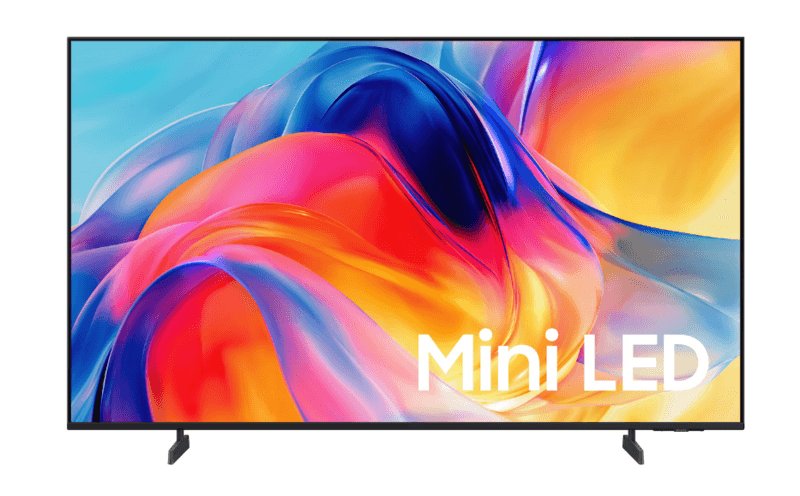
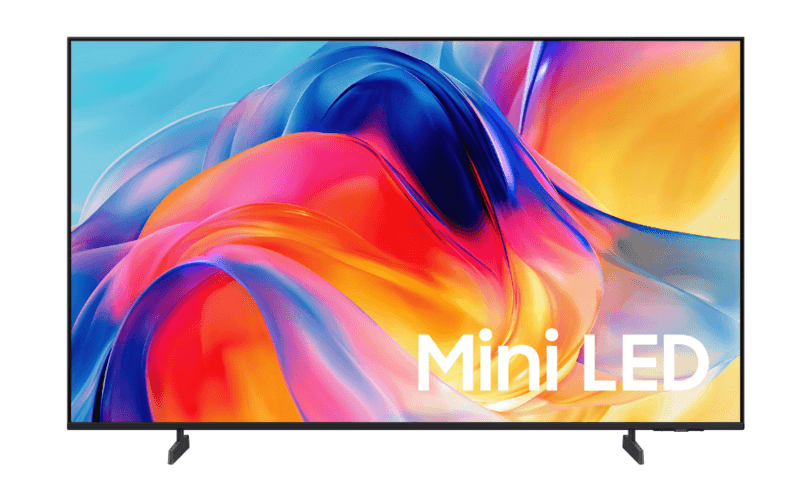
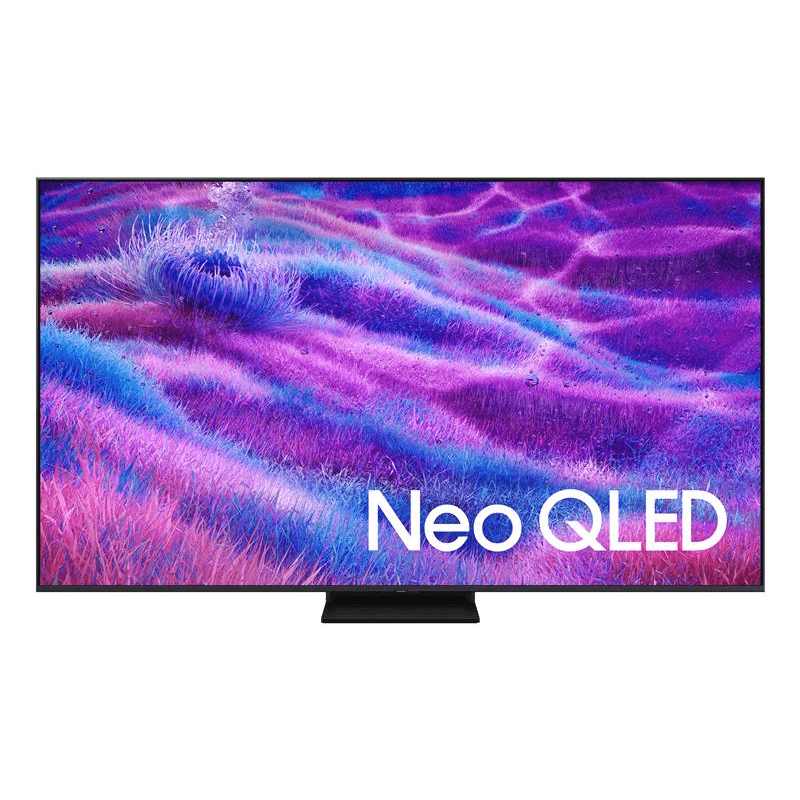
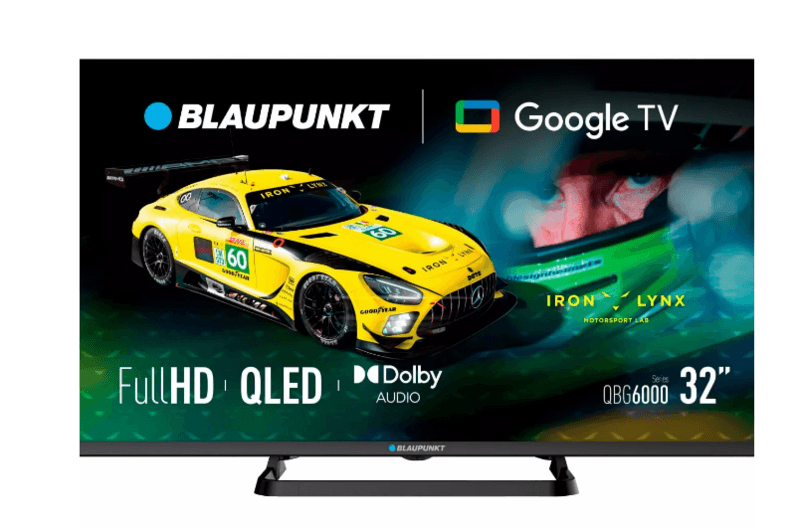

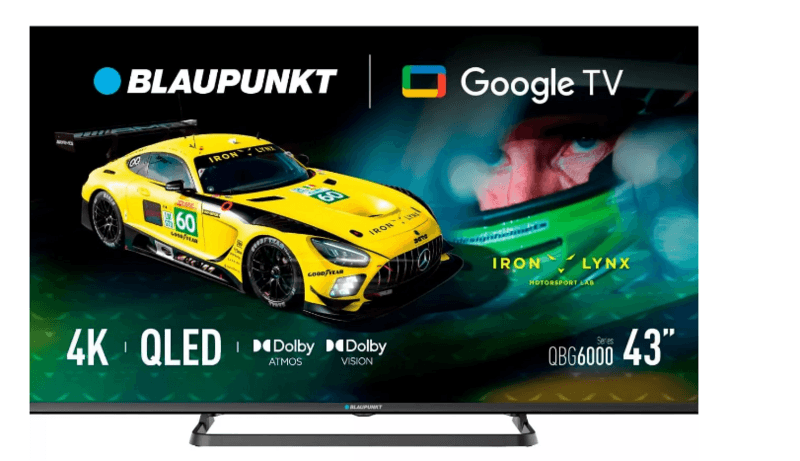

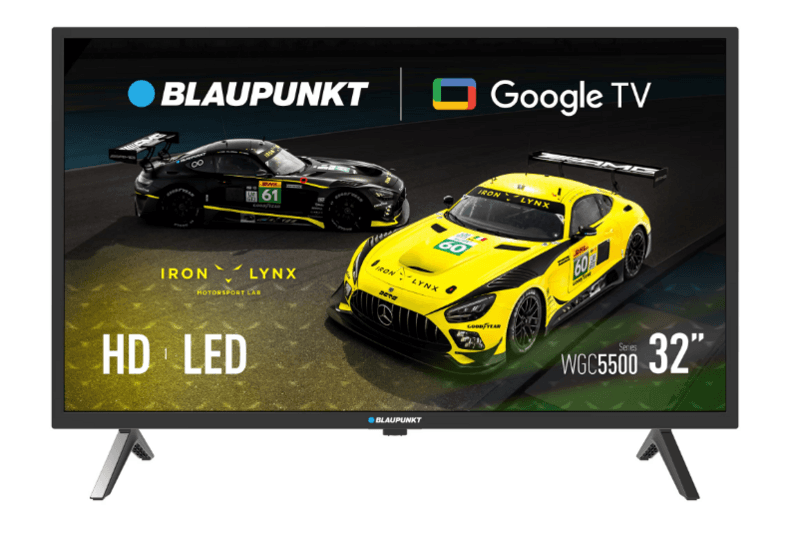
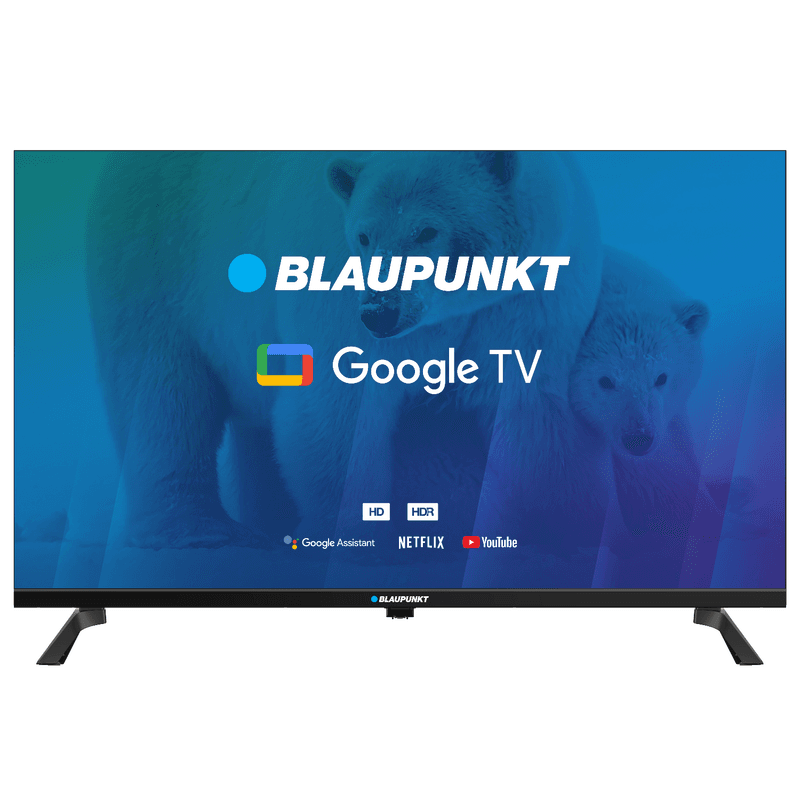
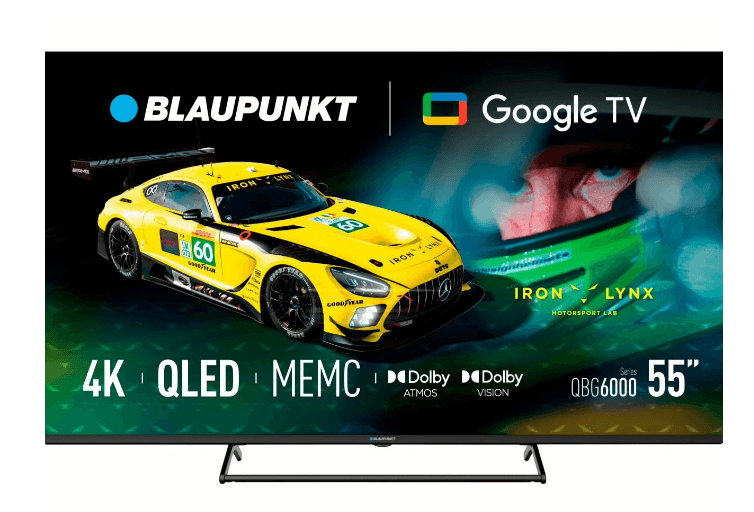
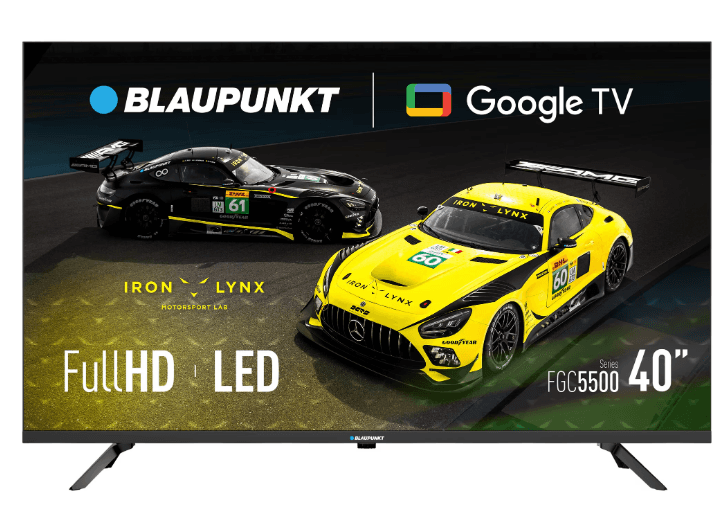
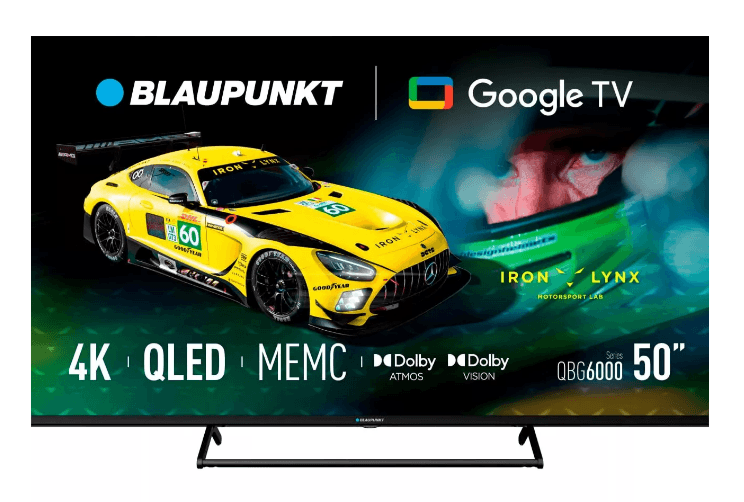
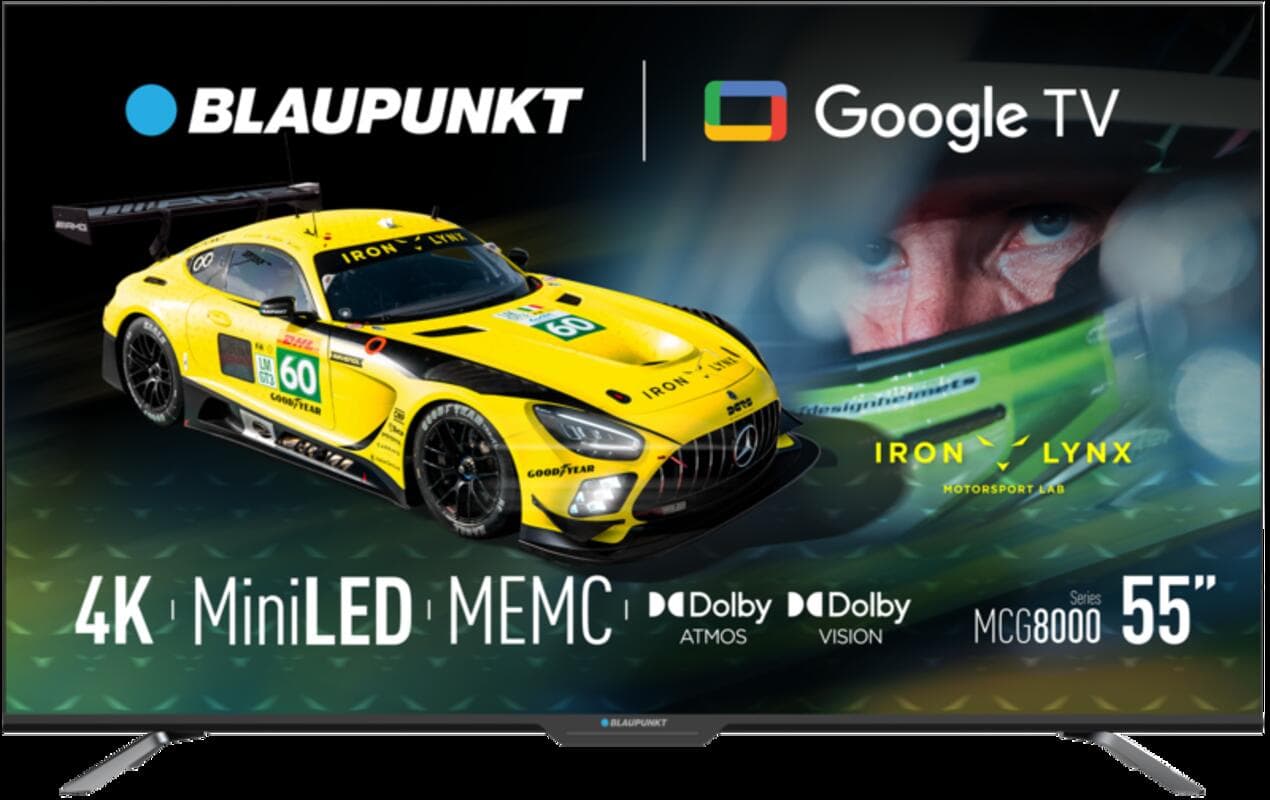
If you want to buy a TV online in Georgia, you’ll find a wide selection at Elite Electronics. Most importantly, the built-in filters on the website make it easy to quickly narrow down your options and save time. By selecting a few key specifications - screen size, resolution, display type, backlighting, refresh rate, and operating system - you can avoid getting lost among dozens of models and find the right TV without unnecessary effort.
TVs
in Georgia: How to Choose the Right Model for Your Home
One of the
most common mistakes people make when buying a TV is focusing only on the
brand. In reality, the right choice starts with your room size and everyday
usage. Before comparing specific models, think about a few simple things: how
far your sofa is from the screen, how much natural light enters the room, and
what you watch most often - movies and series, sports, or
games. Answering these questions immediately narrows your options and makes
choosing the right TV much easier.
What to Consider When Choosing a TV
Screen Size -
Choose based on your room size and viewing distance for a comfortable
experience.
Resolution - HD,
Full HD, 4K, or 8K depending on the type of content you watch.
Display
Technology - LED is the most affordable option, QLED offers brighter and more
vibrant colors, while OLED delivers premium picture quality.
Refresh Rate -
Especially important for gaming and sports.
Smart TV
Platform - Google TV, Tizen, or webOS depending on your preferences.
Availability - Check stock availability and use delivery services to your preferred address.
Screen
Size Guide: From Compact TVs to Large Displays
Choosing the
right screen size is one of the most important parts of buying a TV. A common
mistake is buying a screen that’s too large for a small room or too small for a
large space.
·
32 to 43 inches - Ideal for bedrooms, kitchens, or
small offices. If your viewing distance is under two meters, this size range is
usually the most comfortable.
·
50 to 65 inches - The best choice for standard
living rooms. At a viewing distance of around 2.5–3 meters, these sizes create
the perfect balance between immersion and comfort.
·
75 inches and above - Best suited for large living
rooms, open spaces, or home theater setups.
Resolution:
HD, Full HD, 4K, and 8K
Resolution is
one of the most important TV specifications. The more pixels a screen has, the
sharper and more detailed the image becomes. The difference is especially
noticeable depending on screen size and viewing distance.
You can
filter TVs by HD, Full HD, 4K, or 8K resolution.
·
HD and Full HD - More than enough for smaller
screens. For example, a 32-inch Full HD TV still delivers a sharp and
comfortable everyday viewing experience.
·
4K - The most practical choice for most users today. Especially on
screens 50 inches and larger, where higher detail and sharper visuals become
clearly noticeable. Text appears sharper, landscapes look more detailed, and
platforms like Netflix and YouTube already offer plenty of 4K content.
·
8K - A premium category that performs best on very large screens,
especially 65 inches and above.
Display Types and Backlighting: LED vs QLED vs OLED
This is often
the most confusing part of choosing a TV. In the filters, you’ll see display
types like LED, QLED, QNED, NanoCell, Neo QLED, and OLED, along with
backlighting technologies such as Direct LED, Edge LED, and Mini LED.
Simply put,
these technologies determine overall picture quality - including color
accuracy, contrast, and brightness.
·
LED TVs are the most basic and affordable option. They use LCD
panels with LED backlighting and are perfectly suitable for everyday use.
LED
Smart TVs are a great choice for bedrooms, kitchens, or general daily viewing.
·
QLED technology takes a standard LED setup and adds a Quantum Dot
layer. The result is brighter colors and improved brightness levels. QLED TVs
are especially good for bright rooms where sunlight hits the screen directly,
as the image remains clearer and easier to watch in those conditions.
·
OLED is a completely different technology. There’s no separate
backlight - each pixel produces its own light. OLED TVs are especially impressive for movies and series.
However, they are more expensive and, in extremely bright rooms, may sometimes
appear less bright than high-end QLED models.
Backlighting
technology also affects picture quality:
·
Direct LED - LEDs are spread evenly across the
back panel for more consistent lighting.
·
Edge LED - LEDs are placed along the edges
of the screen, allowing for thinner TV designs, though brightness may sometimes
appear less uniform.
·
Mini LED - Uses thousands of tiny LEDs to
significantly improve local dimming, contrast, and HDR performance.
Refresh
Rate and Motion: When 60Hz Is Enough and When 120Hz+ Matters
In the filter
section, you’ll find 50Hz, 60Hz, 100Hz, 120Hz, and 144Hz options. Honestly, for
most users, refresh rate is not as important as it sounds.
If you mainly
watch Netflix, series, or YouTube videos, 60Hz is completely sufficient. The
picture looks smooth and works perfectly well for everyday viewing.
However,
things change with fast-moving content like football, basketball, or tennis. A
120Hz TV delivers cleaner motion with less blur.
The same
applies to gaming. If you use a PlayStation 5 or a powerful gaming PC, a 120Hz
or 144Hz display gives you a noticeably smoother and more responsive
experience.
·
Prioritize 120Hz or higher for gaming and sports.
· 60Hz is perfectly fine for movies, TV shows, and regular content consumption.
Smart
TV Platforms: Choosing an Operating System and Voice Assistant
Smart TVs
come with built-in operating systems that give you access to apps, settings,
and often voice assistants as well. The platform you choose affects your entire
daily experience - from how easy it is to navigate
menus to how quickly apps open and function.
·
Google TV / Android TV - A great choice if you want access
to the Google Play Store and a huge app selection. Google Assistant is built
in, and the interface feels especially familiar to Android users.
·
Tizen - Known for its clean and simple
interface with apps displayed in a horizontal bottom bar. It offers a stable
and smooth experience.
·
webOS - Uses a card-based interface
that’s easy to navigate, especially for users who prefer visually organized
menus. It’s widely considered one of the most user-friendly Smart TV systems.
Voice
assistant support depends on the specific model. Some Smart TVs support Google
Assistant, others Alexa, while some brands use their own voice assistants.
If voice control matters to you, always double-check which assistant is supported before buying. Features can vary significantly between models.
Delivery
and Warranty in Georgia
Elite offers free delivery services
throughout Georgia. Standard delivery in Tbilisi usually takes 2-5
business days. If the product ships from another region, delivery may take
slightly longer. Exact delivery details appear during checkout after entering
your address.
Orders above
50 GEL qualify for free delivery, so TV purchases typically include shipping at
no additional cost.
As for
warranty coverage, TVs come with both commercial and legally required warranty
protection. Warranty terms may vary depending on the brand and model. For
online purchases, warranty documentation is sent via email.